Know what the episode costs before you press Run.
The queue adds up the price of every job at the services’ own rates and shows the total before anything is spent. Each finished job then shows what it actually cost.
In the app: Status bar, Cost tracking, Settings → API services
What it does
An estimate before the run
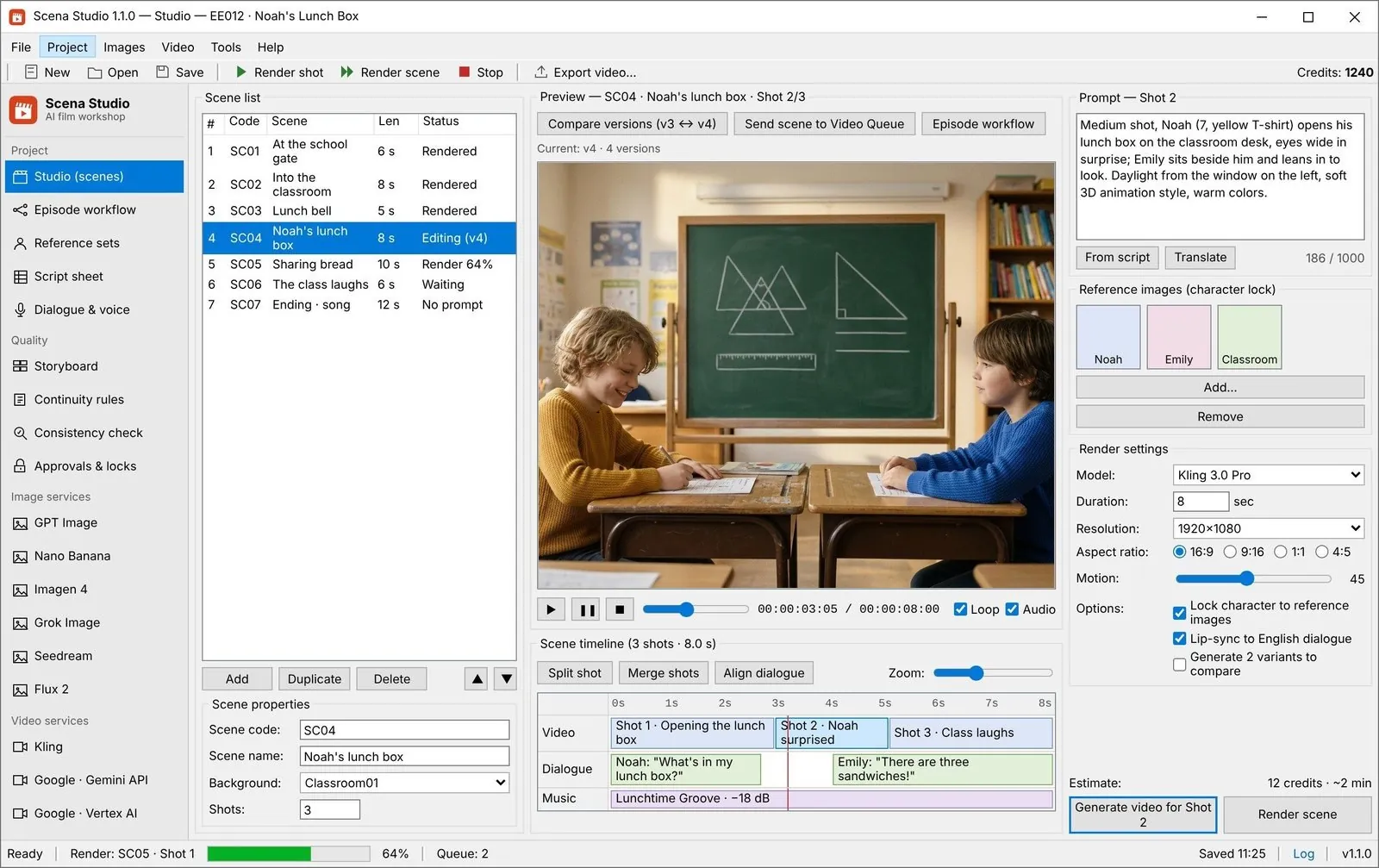
The status bar shows what the queued jobs will cost at each service’s current rate, before you press RUN NOW.
The real cost after
Every finished job records what it cost, so the estimate is checked against the bill every time.
No markup
You pay each service on your own key at its own API price. The licence is the only money that reaches Scena Studio.
-
STEP 01
Add your keys
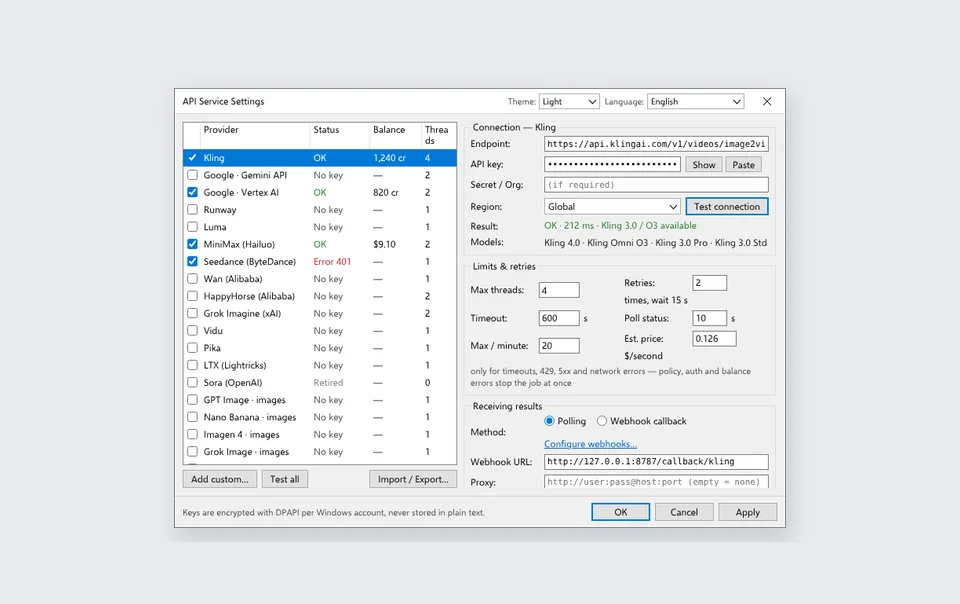
Direct keys or one gateway key; the app reads the balance where the service reports it.
Settings → API services -
STEP 02
Queue the episode
The estimate updates as you add rows or change models and durations.
Status bar → Queue estimate -
STEP 03
Give the episode a budget
Spend is shown against it in the episode summary while the stages run.
Episode workflow → Budget -
STEP 04
Compare after the run
Per-job cost shows which service and settings gave the best shots for the money.
Cost tracking
Settings that matter
- Service rates
- Per second or per clip, from the app’s service table, updated with each build.
- Episode budget
- A target for the episode, with spend shown against it.
- Re-queue price
- Re-rendering failed shots shows its price on the button before you press it.
- Session total
- Everything spent since the app opened, across all services.
Good to know
- The estimate uses the rates in the app’s service table; a service can change its prices at any time, so check its own page before a large run.
- When a shared test key is available, the estimate still shows what the run would cost on your own key. Your provider bills runs that use your key.
- Balances appear only for services that report them through their API.
Zero-Markup BYOK Billing + Pre-Flight Invoice vs. Real YouTube/Meta Ad Revenue
Web credit platforms mark up raw API rates by 250% to 400% and expire unused credits every 30 days. With Scena Studio, you plug in your own API keys (encrypted locally via Windows DPAPI) and pay the exact per-second rate charged by Google Vertex, Kling, fal.ai, or OpenRouter — turning a $65 web episode into a $5.40 desktop production with massive YouTube YPP & Meta Reels ROI.

| Production Bottleneck | Standard Web Portal Workflow | How Scena Studio Desktop Solves It |
|---|---|---|
| Platform Markup | 2.5x–4x hidden credit markup on web wrappers | 0% markup — direct billing between your key and the model provider |
| Pre-Flight Cost Transparency | Guess how many credits an episode will burn | Exact dollar invoice calculated per row and per model before clicking Run |
| Failed / Blocked Shot Protection | Broken prompts still deduct full web credits | Local Continuity & TM rules block bad prompts before any API call is made |
| Channel Monetization Payback | High monthly subscriptions eat up early channel revenue | $5–$11 API cost per episode vs. $6.40–$11.20 RPM on YouTube YPP & Meta Reels |
Questions
Does Scena Studio add a fee to API usage?
No. Each service bills you directly and the app adds nothing.
How accurate is the estimate?
It multiplies each job’s length or count by the service’s listed rate. Retries that a service still charges for are added as they happen.
Can I see cost per episode?
Yes. Cost tracking groups spend by episode, service and day.