How to make AI dropshipping video ads with real product proof
Build AI dropshipping video ads around a real SKU demo. Compare two opening hooks, verify your claims and read results without changing the offer.
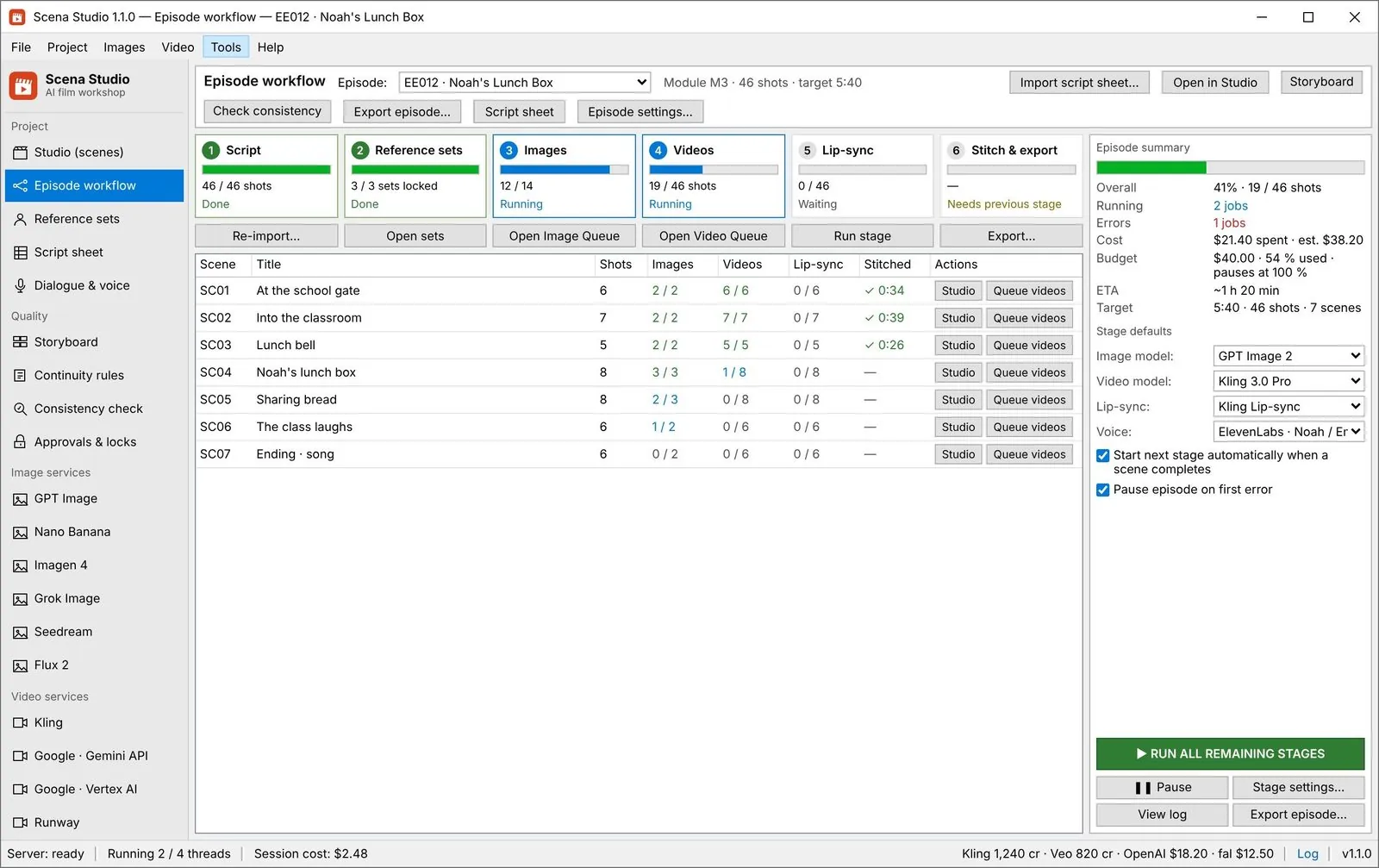
Turn a script into a shot list, approve stills before paying for video, and queue a whole episode overnight with checks that stop mistakes before they cost money.
Updated 6 Nov 2026
Decide every shot before paying for any video.
Build AI dropshipping video ads around a real SKU demo. Compare two opening hooks, verify your claims and read results without changing the offer.
Build a 27-second real estate video from listing photos with a shot plan, prompts for subtle motion, and a frame-by-frame property accuracy review.
Build a 45-second SaaS demo with real screen recordings, a copyable shot list and a review that catches invented UI, unreadable text and unsupported claims.
Use the approved still as the first frame, keep the camera note, and only then pay for motion.
 Alex Mercer · · 7 min read
Approve cheap still frames first, then send only approved shots to the expensive video models.
Alex Mercer · · 7 min read
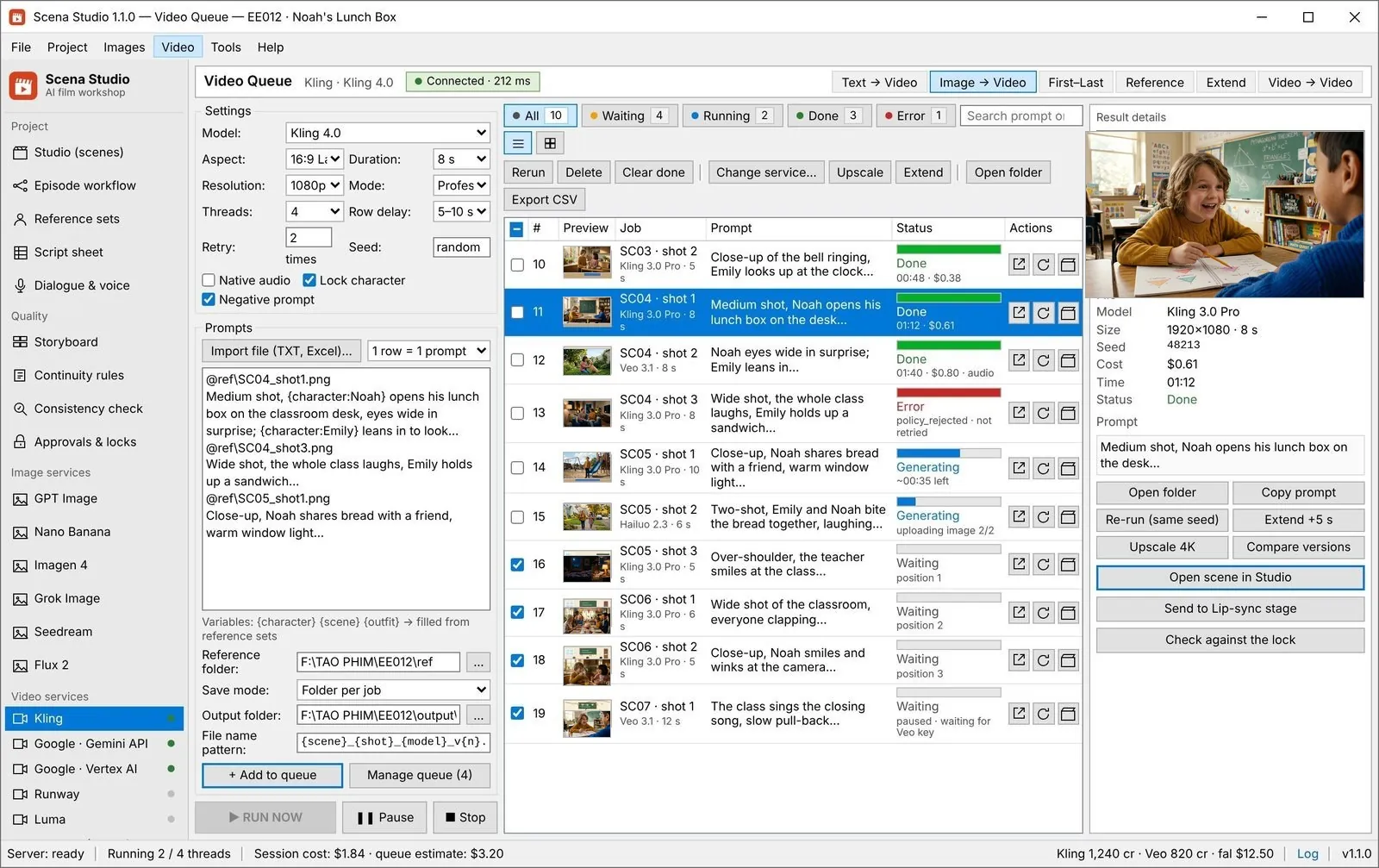
Render a whole episode overnight, with checks.
How many jobs to run at once, what to do when a job fails, and what a failed shot still costs.
Alex Mercer · · 9 min read
Rules that stop a wrong outfit or a missing prop in the queue, before the service bills you.
Alex Mercer · · 6 min read
Split the script into scenes, then shots, with one row per shot holding action, camera, cast and duration.
Read the answer: How to turn a script into a shot list with AI (free template)
Yes, with a queue that runs the shots in order, retries failures and stops on broken rules.
Read the answer: Bulk AI video generation done right: queue one 60-shot episode overnight
Yes: still frames cost a fraction of video, so approving them first saves most retries.
Read the answer: AI storyboard from a script: approve stills before you pay for video
Download a three-shot CSV example and learn how to turn a script into rows with stable shot IDs, prompts, dialogue and target durations.
Build a 15-second AI product video ad with a four-shot storyboard, real product references and two opening hooks you can compare.
Plan an AI video batch, approve starting frames, separate dependent shots and recover failed renders without resubmitting successful jobs.
Most of an AI episode’s cost is decided before the first render: in the shot list, the approved stills and the order the queue runs in.
This topic follows the production line from script to finished episode, with templates and the checks that catch mistakes early.