Character sheets, sets and stills, from the same queue as the video.
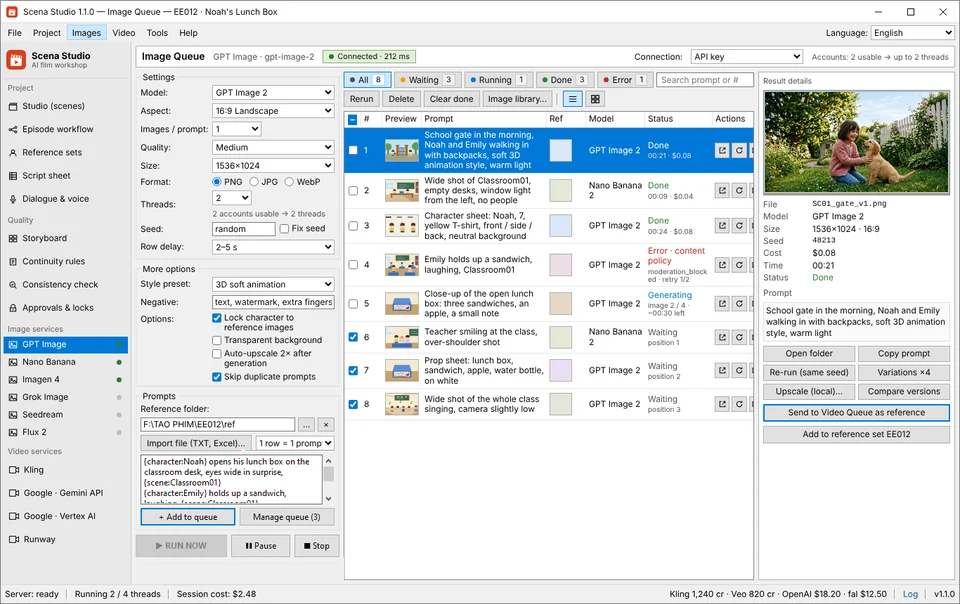
Generate the reference images the episode is built on, plus first frames and props, in batches across 12 image services (47 models). Upscale on your own GPU when they need to be bigger.
In the app: Images → Image queue
What it does
Batches, not one at a time
Threads, retries and a run that survives a crash: the same engine as the video queue.
Reference sets start here
Faces, outfits, backgrounds and props are generated, approved, then locked under a short code for every later prompt.
Upscaling with no per-image fee
Real-ESRGAN and similar models run on your GPU, 2× to 8×, with tiling for large plates.
-
STEP 01
Write or import the image prompts
One row per still: a character turnaround, a background plate, a first frame for a shot.
Image queue → Import -
STEP 02
Pick the service
GPT Image 2, Nano Banana 2 (Gemini 3), Imagen 4 Ultra, Grok Imagine 2.0, Seedream 4.5, Flux 2 / Kontext / Kolors / Qwen / Hunyuan / Hidream, Ideogram v3, Recraft v3 SVG, Midjourney v7, SD 3.5, Leonardo Phoenix, or Luma Photon 1 — chosen per row.
Image queue → Service -
STEP 03
Approve and lock
Send the keepers to a reference set. Once locked, a code such as NOAH or 12SCH stands for that image in every prompt.
Image viewer → Use as reference -
STEP 04
Upscale what goes to video
Queue the approved stills for 2×–8× upscaling on your GPU before they become first frames.
Images → Upscale (local)
Settings that matter
- Service and model
- Per row. Character sheets often do best on one model, backgrounds on another.
- Size and aspect ratio
- Match the video’s ratio for first frames; square or 3:2 for character sheets.
- Variations
- How many takes per prompt, so you can choose instead of running it again.
- Upscale factor
- 2× to 8×, with tiling for large images and optional face restore.
Good to know
- Local upscaling is fastest on a GPU with Vulkan support; without one it runs on the CPU and takes longer.
- Image services charge per image at their own price; the queue estimate shows the total before you run.
- Generated images stay in the episode folder on your PC. Only the prompt and references go to the service you chose.
4-Angle Character Turnaround Sheets & Free Local GPU 4K Upscaling
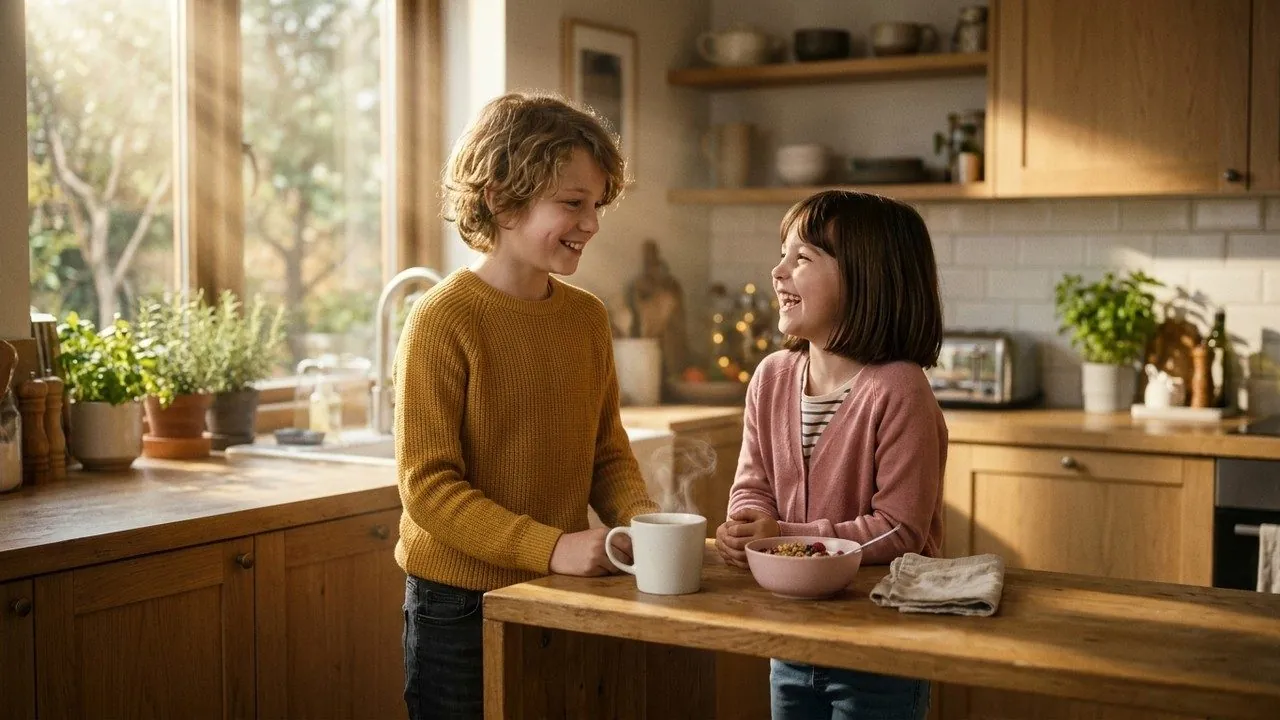
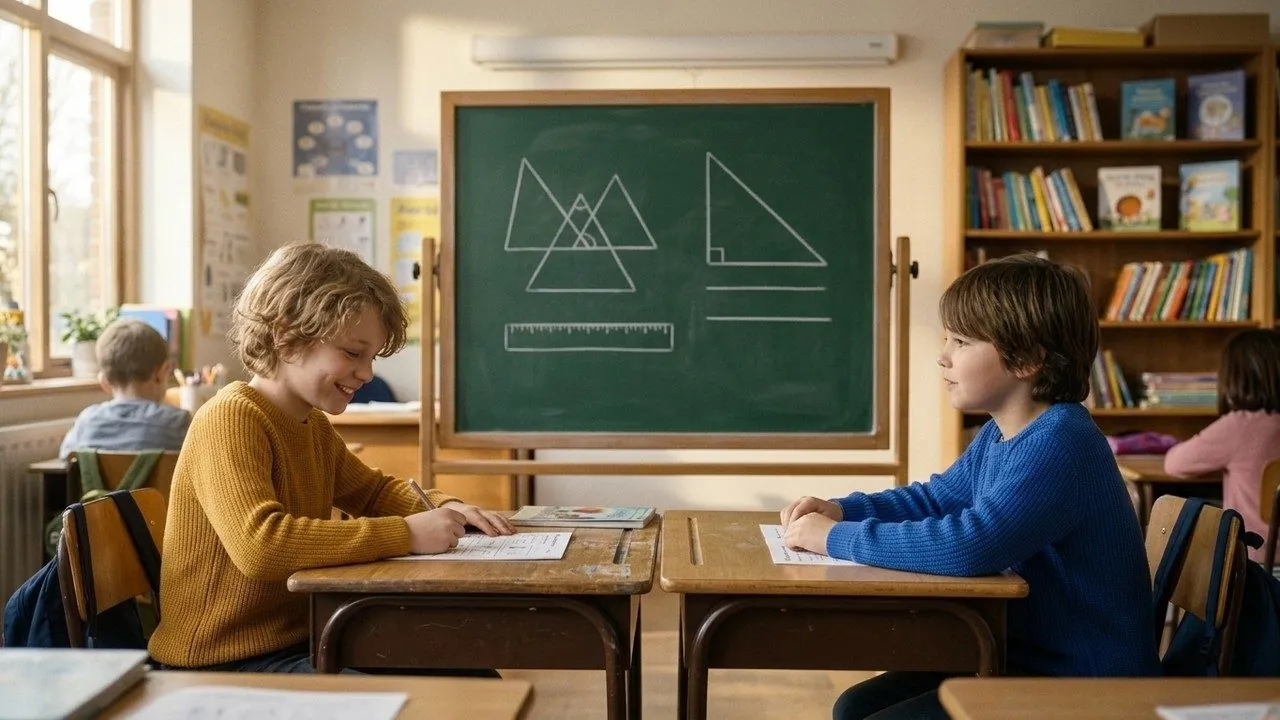
Before you spend a single cent on video API calls, Scena Studio generates and locks your 4-angle character sheets (Front, 3/4, Profile, Full-Body) and master room plates. Every approved still is upscaled to crisp 4K locally on your PC GPU via Real-ESRGAN ( Vulkan / CUDA ) at $0 API cost.
| Production Bottleneck | Standard Web Portal Workflow | How Scena Studio Desktop Solves It |
|---|---|---|
| Character Reference Sheets | Single random portrait that drifts in side angles | 4-angle turnaround sheet locked under `{character:CODE}` |
| Storyboard Approval Before Video | Blind text-to-video wastes $0.50–$1.50 per bad take | Approve $0.02 still keyframes first, then animate with zero surprises |
| 4K Resolution Upscaling | Cloud upscalers charge $0.05–$0.20 per image | $0.00 forever — runs locally on your GPU via Real-ESRGAN |
| Trademark & Artifact Cleanliness | AI text gibberish or brand logos on clothing | Local pre-flight scan flags unintended logos before locking references |
Questions
Which image services can I use?
Twelve image services (47 models) built in: GPT Image 2 & DALL·E 3, Nano Banana 2 (Gemini 3 & 2.5 Flash), Imagen 4 Ultra, Grok Imagine 2.0, Seedream 4.5 & SeedEdit 3.0, Flux 2 Pro/Kontext Lock Char/Kolors Try-On/Qwen-Image 2.0/Hunyuan 3.0/Hidream I1 & E1, Ideogram v3 & Character, Recraft v3 SVG, Midjourney v7 & Niji v6, Stable Diffusion 3.5 Large, Leonardo Phoenix 1.0, and Luma Photon 1 — directly, via 4 gateways, or custom REST endpoints.
Can I bring my own character art?
Yes. Put your own drawings or photos into a reference set; they are locked and used the same way as generated ones.
Does upscaling cost anything?
No. It runs on your own GPU, so there is no per-image fee.