AI video API pricing in 2026 and a sample 46-shot budget
Estimate the cost of an AI video by counting the seconds you will generate. This guide compares selected Google Cloud and Runway API rates and calculates a sample budget for a four-minute episode.
 Alex MercerMaker of Scena Studio · AI Series Director
Updated
16 min read
Read in Vietnamese
Rates checked 6 November 2026 against the providers’ published pricing. The budget is an illustration based on those rates.
In the example below, 46 shots produce 264 seconds of source footage for $21.88 in video generation. A 15% allowance for extra attempts brings the video budget to $25.16. Budget separately for still images, voice, editing and taxes.
1. Convert credits to dollars per usable shot
Begin with the exact endpoint, audio mode, resolution and allowed durations. A rate per second can still translate to an eight-second charge for a shot that lasts four seconds in the edit. Where a provider bills in credits, multiply credits per second by the purchase price of one credit.
For a subscription, divide the fee you actually pay by the number of usable shots you can produce within the included allowance. For an API, divide the total spent on a representative test by the number of clips that pass review. Include rejected generations that were billed. Compare the same kind of shot and resolution on both sides, and check whether unused credits expire or carry forward.
2. Compare published API rates
These are selected provider rates in USD, before taxes and possible currency conversion. The eight-second column converts rates into a common unit. Check the model’s documentation before requesting a clip at a particular duration or resolution.
| Endpoint and mode | Rate per second | Eight-second equivalent |
|---|---|---|
| Veo 3.1 Standard, 720p or 1080p, with audio | $0.40 | $3.20 |
| Veo 3.1 Standard, 720p or 1080p, video only | $0.20 | $1.60 |
| Veo 3.1 Fast, 1080p, with audio | $0.12 | $0.96 |
| Runway Gen-4.5 (12 credits per second) | $0.12 | $0.96 |
| Runway Gen-4 Turbo (5 credits per second) | $0.05 | $0.40 |
| Kling 4.0 on Runway, 720p, no input video (list rate) | $0.157 | $1.26 |
| Seedance 2.5 on Runway, 720p, no input video | $0.30 | $2.40 |
Runway lists a discounted Kling 4.0 rate through 30 November 2026 UTC. The table uses its list rate. Input video changes Kling billing and adds to the output cost for Seedance 2.5. Runway lists an 80-credit minimum for Seedance 2.5.
3. Estimate a 46-shot episode
Suppose you need 46 approved shots for an approximately four-minute edit. The plan below requests 264 seconds of footage to leave time for trimming. It uses higher-cost generation for dialogue and detailed action, with simpler motion assigned to a lower-cost model. Test those assignments on your own references before scaling up.
| Planned shots | Generated time | Rate per second | Estimated cost |
|---|---|---|---|
| 8 dialogue shots on Veo 3.1 Fast with audio | 64s | $0.12 | $7.68 |
| 28 inserts on Runway Gen-4 Turbo | 140s | $0.05 | $7.00 |
| 10 detailed action shots on Runway Gen-4.5 | 60s | $0.12 | $7.20 |
The base total is $21.88. With a 15% retry reserve, the estimate comes to $25.16. If your first batch suggests a 40% reserve, the same plan comes to $30.63. Add separate lines for generated reference stills, audio, lip-sync, editing, storage and applicable taxes.
4. Set up BYOK and check billing after a test
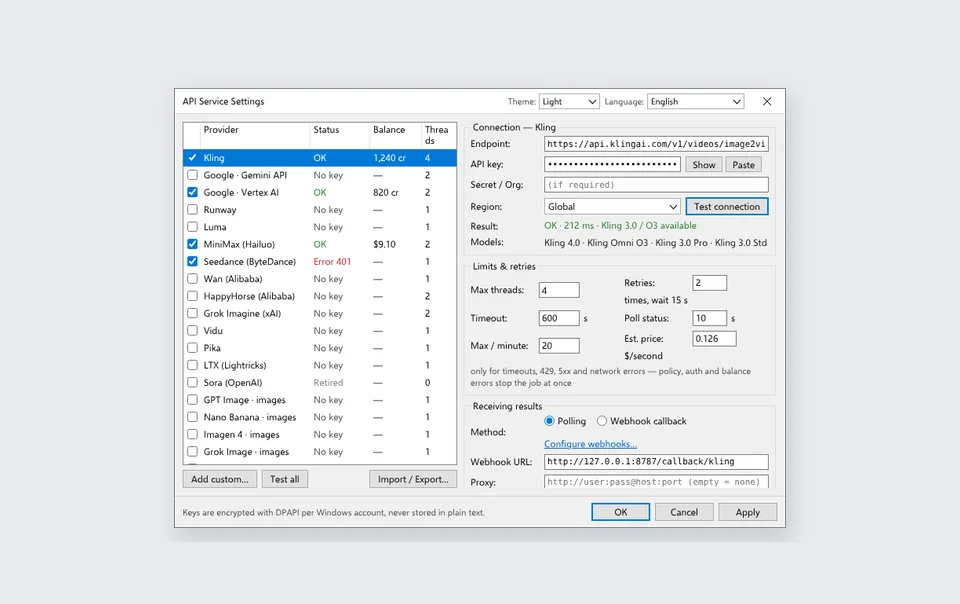
Bring your own key (BYOK) means you connect an API key from a supported provider or gateway. Confirm which endpoint your account can access and whose billing dashboard records usage. The same model can have different rates and settings across gateways. Set a project budget or spend alert where the provider supports one.
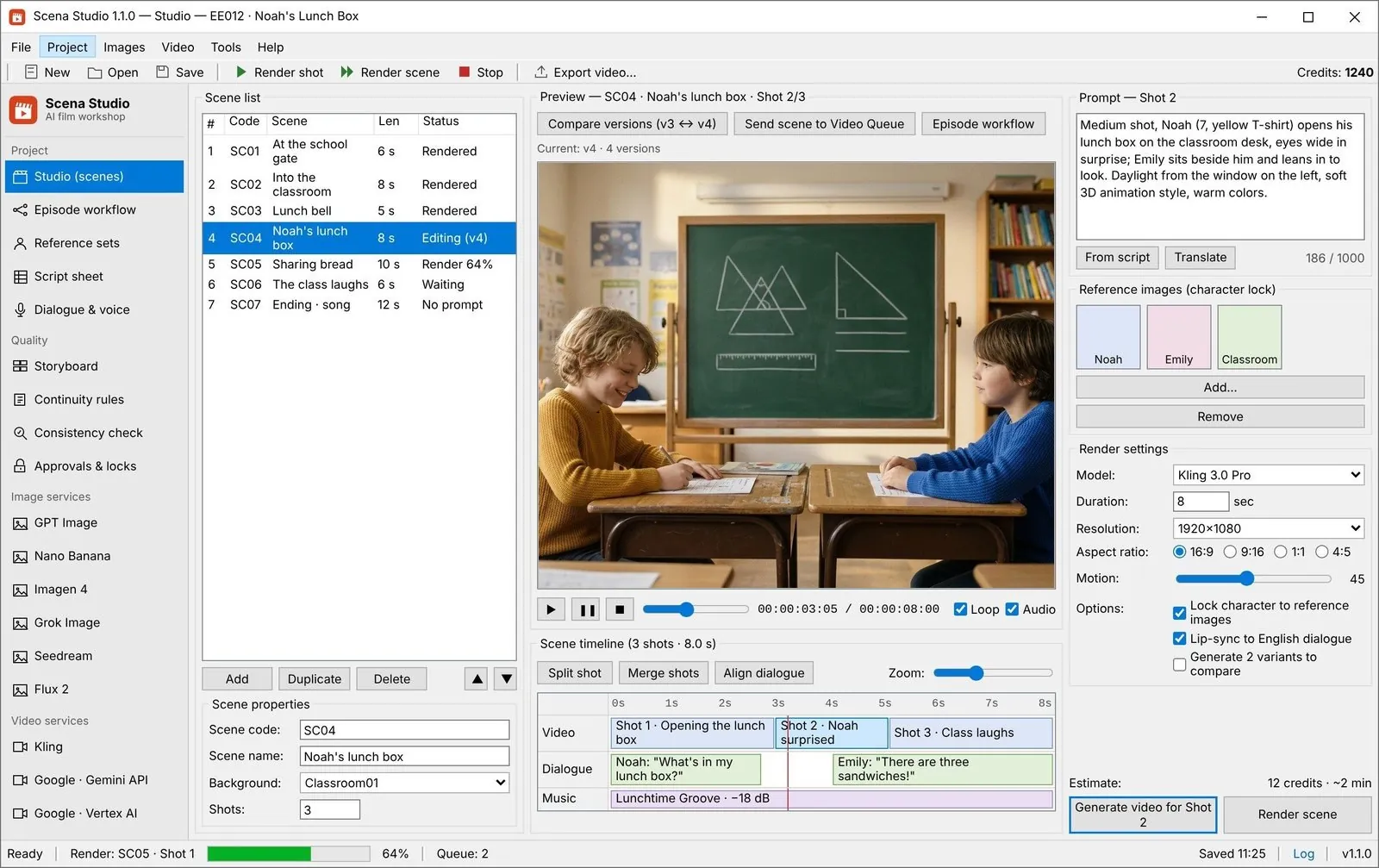
Start with one representative shot per endpoint. Record its requested duration, returned clip length, model, audio setting and charged amount. In Scena Studio, review shot settings before queuing the full list. If an attempt is rejected, record the reason and change one variable at a time, such as the reference image or movement description.
Google retired the Veo 3.1 Preview endpoints on the Gemini API on 22 October 2026. The Veo rows in this guide refer to Google Cloud’s published rates. Check which Google Cloud endpoint and region your account can use before relying on those rates.
Frequently asked questions
How do I calculate AI video API costs per minute?
Multiply the model rate by the seconds requested, including any extra takes you expect to pay for. For 60 generated seconds at $0.12 per second, the base cost is $7.20. The cost for one finished minute also depends on how much footage you trim or discard.
How much should I reserve for retries?
Use a small test of similar shots to estimate your reserve. If the shots you expect to rerender would cost $3 on a $20 base plan, set aside 15%. Increase the reserve for scenes that were difficult to reproduce in the test.
What costs are separate from video generation?
Reference stills, voice generation, lip-sync and upscaling can be billed separately. Include subscriptions, taxes and any editor or storage costs you need for the episode.
Provider pricing and model availability
- Google Cloud pricing for Veo
- Runway API rates and developer credit prices
- Google’s Veo API availability notice
First published 1 November 2026. Revised 6 November 2026 with provider rates and a recalculated 46-shot example.
About the author · Alex Mercer
Founder & Lead Systems Architect · Scena Studio LLCAlex Mercer builds Scena Studio, a Windows workspace for planning scenes, queuing shots and checking continuity across clips.
Studio & founder engineering dossier → Inspect SHA-256 & Security Trust Center →