Which AI video model for which shot? Kling, Veo, Seedance, Hailuo, Wan, Vidu, Runway, Luma and LTX
Treating every shot in a 46-shot script the same way wastes money and ruins pacing. An establishing crane shot over an airship deck, a two-character classroom argument, an emotional close-up whisper, and a fast playground chase each belong on a different model endpoint. Here is the complete shot-by-shot routing manual and prompt cookbook.
 Alex MercerMaker of Scena Studio · AI Series Director
Updated
17 min read
Read in Vietnamese
Tested across all 9 supported model endpoints on identical shot archetypes inside Scena Studio (November 2026).
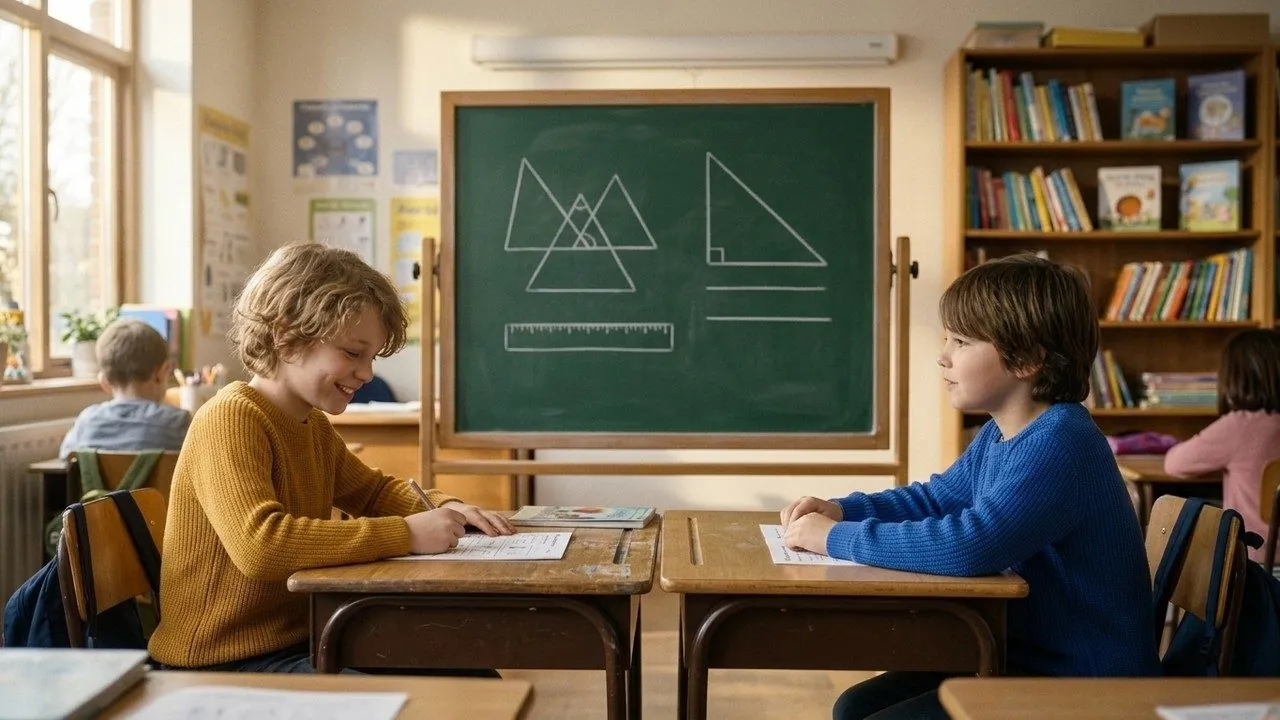

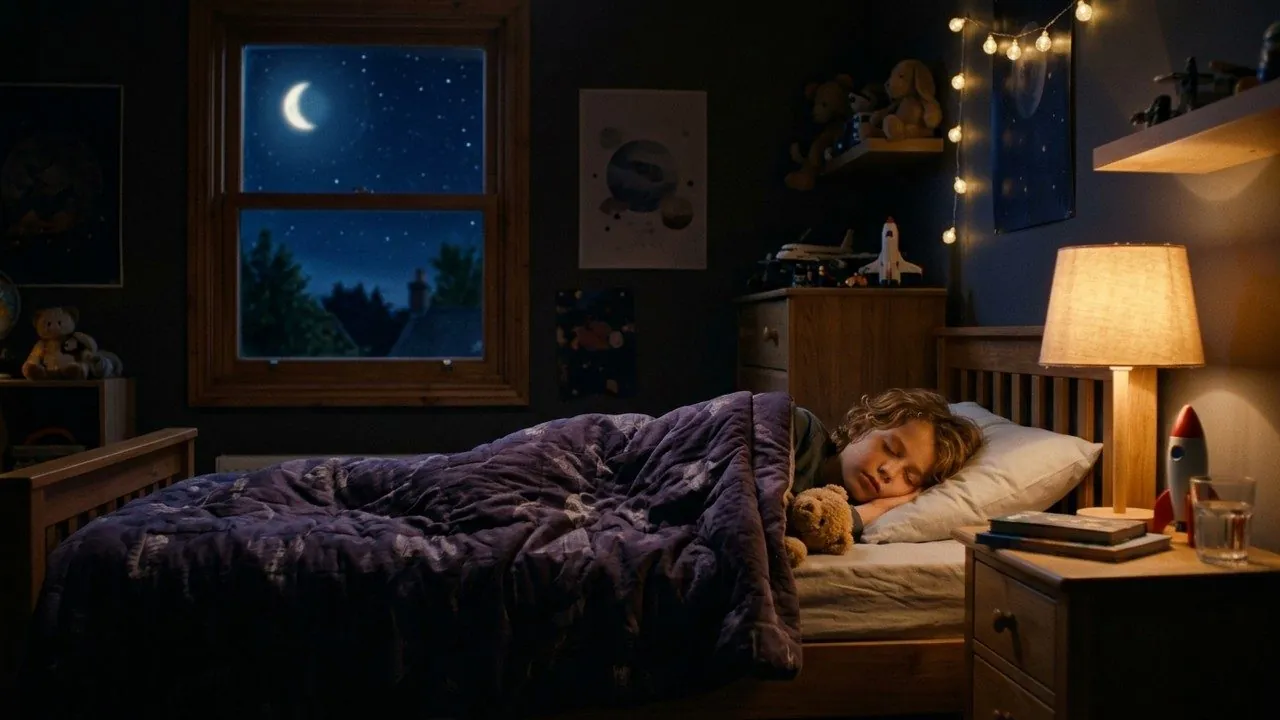
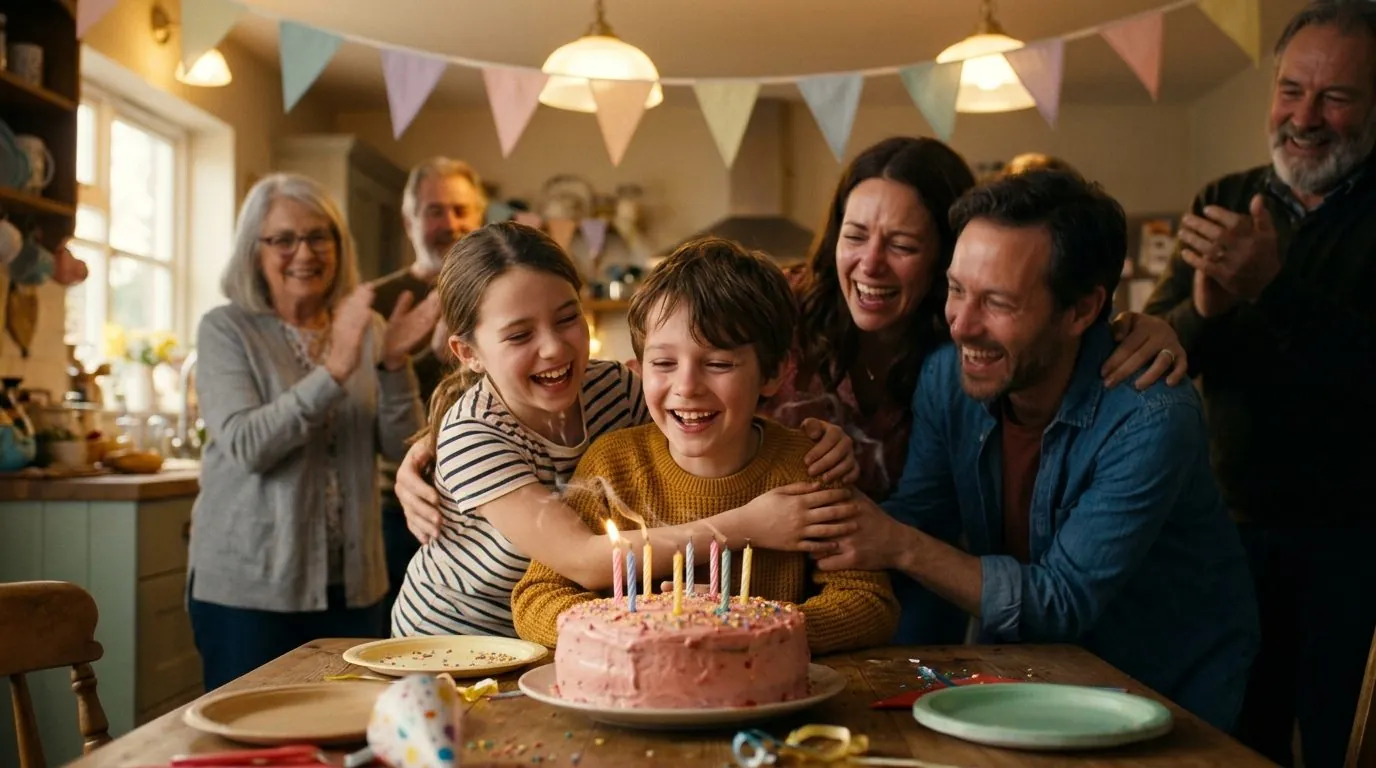
Short answer (Executive Summary): Route your script sheet by shot archetype: (1) Emotional close-ups & dialogue reaction shots -> Veo 3.1 Ingredients ($0.12–$0.20/s); (2) Two-to-four character staging & physical prop interaction -> Kling 4.0 Elements ($0.07/s); (3) Wide establishing shots, stylized 2D/3D camera orbits & B-roll -> Seedance 2.5 Omni ($0.05/s); (4) Fast physical comedy & dynamic pans -> Hailuo 02 Director ($0.06/s); (5) Voice-driven facial acting transfer -> Runway Gen-4.5 Act-One ($0.08/s); (6) Smooth Start-to-End frame transitions -> Luma Ray 3.2 ($0.06/s); and (7) Free/instant layout animatics -> Local LTX-Video or Wan 3.0 ($0.00–$0.02/s).
1. Why assigning the model per shot is the core superpower of desktop series production
In live-action filmmaking, a cinematographer uses an 18mm wide lens on a crane for the opening exterior, a 35mm prime on a dolly for two-shots, and an 85mm portrait lens for emotional close-ups. In AI video production, the model endpoint is your lens and animation department combined.
Each video diffusion architecture was trained with different temporal priors and conditioning bottlenecks. Veo 3.1 allocates massive compute to facial micro-muscles and subsurface light transport, making it unbeatable on close-ups—but paying $0.20/second for a 6-second wide shot of a school bus driving down a street is pure waste when Seedance 2.5 renders that exact exterior for $0.05/second. Conversely, using a lightweight model on an emotional bedroom confession produces stiff eyebrows and wooden mouths.
Because Scena Studio's Multi-Model Shot Sheet lets you pick the model per row while feeding every model the exact same local Character Reference Pack, you get the best visual quality on every beat while cutting total episode cost in half.


2. Complete 2026 Shot-Type to Model Routing Matrix (All 9 Models Compared)
Use this production reference table when assigning models to the rows of your script sheet in Scena Studio:
| Shot Archetype & Framing | Primary Winner Model | Backup / Budget Model | Reference Mode Used | Why It Wins This Specific Shot |
|---|---|---|---|---|
| Close-Up Dialogue & Micro-Acting (50mm–85mm) | Veo 3.1 (Fast / Std) | Runway Gen-4.5 Act-One | Ingredients (2 Face Views + 1st Frame) | Best eye gaze, eyebrow nuance, natural blink timing, and lip-sync readiness |
| 2–3 Character Physical Staging (35mm Two-Shot) | Kling 4.0 Elements | Veo 3.1 (with 1st-Frame Lock) | 4-Slot Elements (Cast A + Cast B + Set) | Strict spatial separation; prevents clothes/hair from bleeding between actors |
| 4+ Character Ensemble Table / Crowd | Kling 4.0 + First-Frame Still | Hailuo 02 Director | Approved Imagen 4 First-Frame + Elements | Pre-locking the First-Frame still anchors all 4 seats before motion begins |
| Wide Establishing & Camera Orbits (18mm–24mm) | Seedance 2.5 Omni | Luma Ray 3.2 | Omni Reference + Set Plate | Holds 3D world geometry during sweeping crane and orbit moves at $0.05/s |
| Fast Physical Action & Slapstick Comedy | Hailuo 02 (MiniMax) | Kling 4.0 Pro | Subject Reference + Camera Tag | Handles rapid limb movement, running, and exaggerated cartoon physics without blur |
| Continuous Bridge Cuts (Last-to-First Frame) | Luma Ray 3.2 / Kling 4.0 | Veo 3.1 First-Last Frame | Start Frame + End Frame Lock | Smoothly interpolates between two locked keyframes across a 5s–6s bridge |
| High-Volume Kids Educational & Anime | Vidu Q3 Reference | Seedance 2.5 | 3-Subject Entity Reference | Crisp 2D/3D cel and stylized shading at $0.04/s for 50-episode seasons |
| Zero-Cost Storyboard Animatic & Blocking Test | LTX-Video (Local GPU) / Wan 3.0 | Vidu Q3 Turbo | Local Keyframe + Prompt | Verify camera pacing and cut timing in 8 seconds before spending cloud API funds |
3. Copy-paste prompt syntax: How to phrase camera and action lines for Kling 4.0, Veo 3.1, and Seedance 2.5
While your [CAST_LOCK] prefix must stay identical across every shot, different models respond best to specific camera movement keywords in the action block. Below are the exact tested prompt templates stored inside Scena Studio's Prompt Preset Library:
# 1. VEO 3.1 INGREDIENTS — EMOTIONAL CLOSE-UP DIALOGUE TEMPLATE
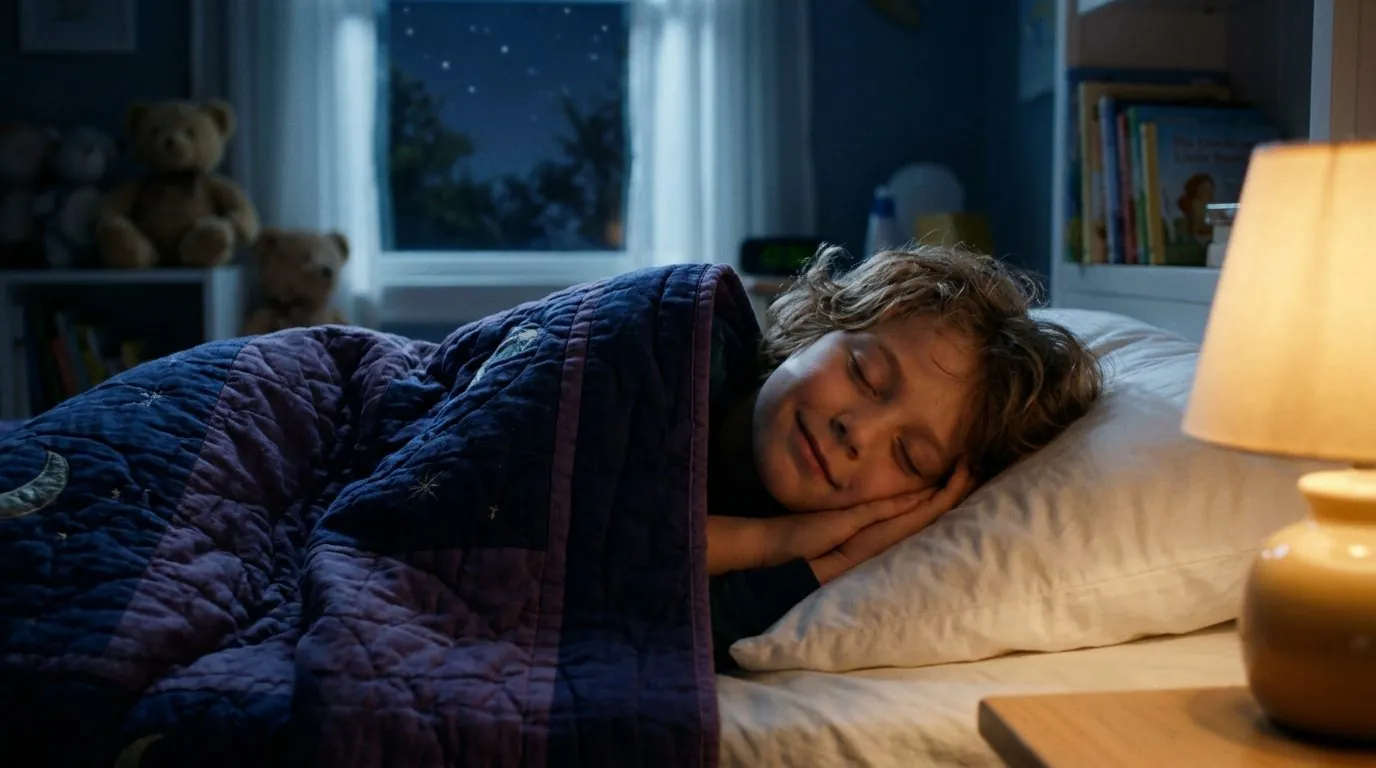
[CAST_LOCK: NOAH_09HOME] 7-year-old boy, short brown hair, yellow T-shirt. Match attached Ingredients.
[SHOT_041 · MEDIUM CLOSE-UP · 50MM LENS · SHALLOW DEPTH OF FIELD · STATIC TRIPOD · 5.0s]
Action: Noah sits on the edge of his bed under warm bedside lamp light. He looks up softly toward camera-right, his eyes widening with quiet curiosity, then speaks clearly with natural lip articulation. Subtle breathing, warm 3D feature animation lighting.

# 2. KLING 4.0 ELEMENTS — TWO-CHARACTER PHYSICAL INTERACTION TEMPLATE
[ELEMENT_1: NOAH_12SCH] (camera-left) | [ELEMENT_2: EMILY_12SCH] (camera-right) | [ELEMENT_3: STREET_01]
[SHOT_022 · MEDIUM TWO-SHOT · 35MM LENS · STEADICAM TRACKING BACKWARD · 6.0s]
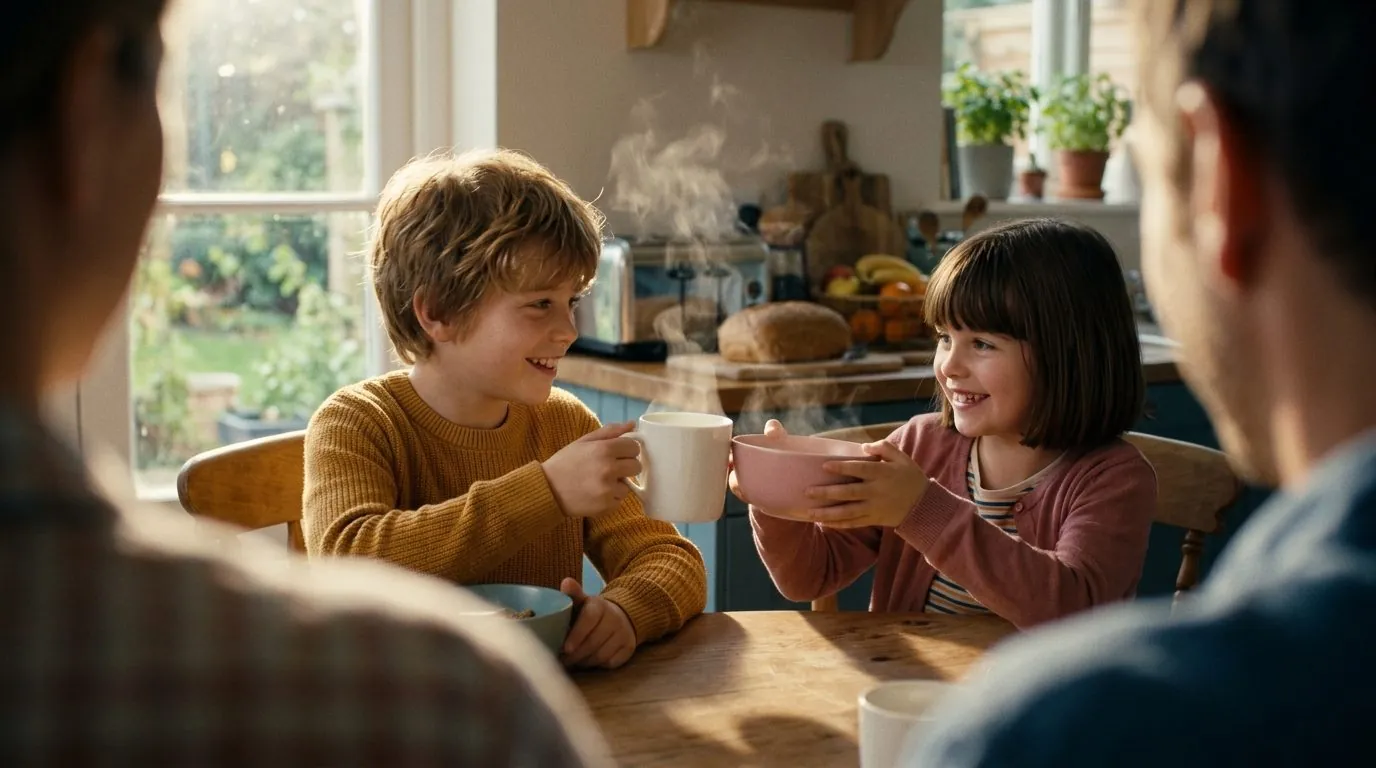
Action: Noah (camera-left, yellow tee, blue backpack) and Emily (camera-right, green cardigan) walk side by side along the sunlit sidewalk. Emily points ahead toward the school gate and hands Noah a red notebook; Noah takes the notebook with his right hand and nods.

# 3. SEEDANCE 2.5 OMNI — WIDE ESTABLISHING & CAMERA ORBIT TEMPLATE
[OMNI_REF: ARIA_01, PIKO_OWL, AIRSHIP_DECK_01]
[SHOT_001 · WIDE ESTABLISHING · 24MM ANAMORPHIC · SLOW CRANE DOWN + ORBIT RIGHT · 6.0s]
Action: The camera cranes down smoothly across the brass railings of the flying airship at golden sunrise, revealing Aria standing at the wooden helm with Piko perched on her shoulder looking out over a sea of glowing canyon clouds.
4. How to stitch clips from 3 different models so they look like one camera
The #1 fear creators have when mixing Kling 4.0, Veo 3.1, and Seedance 2.5 in the same episode is visual mismatch: what if Kling's blacks are crushed while Veo's highlights are warm? Scena Studio eliminates cross-model seams automatically during post-queue assembly:
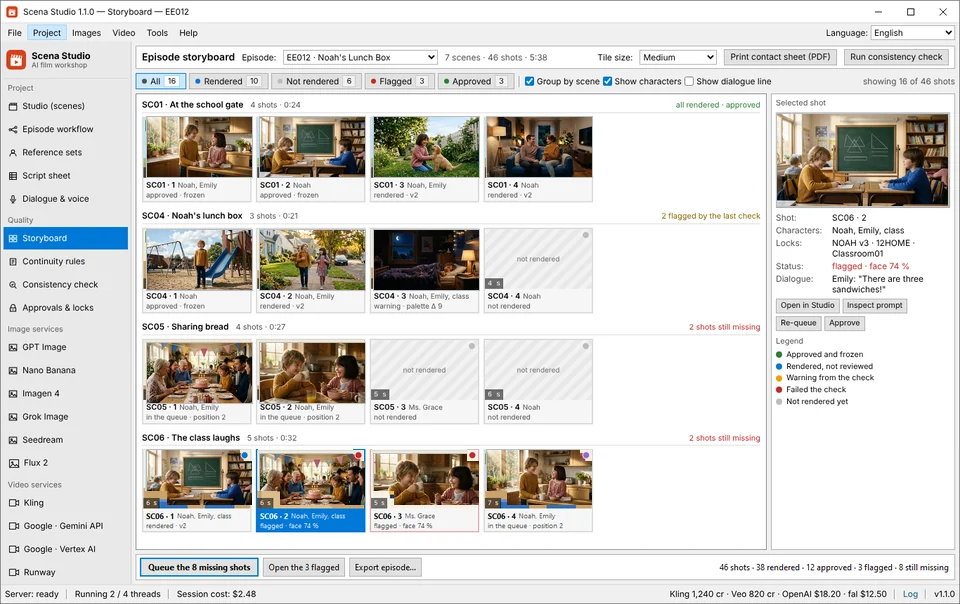
First, Last-Frame-to-First-Frame Conditioning passes the exact decoded pixel buffer of Shot N's final frame as the starting anchor for Shot N+1—even when Shot N was rendered on Kling 4.0 and Shot N+1 is rendered on Veo 3.1. Second, Scena Studio applies a unified 3D Color LUT & Grain Match across all 46 clips and normalizes frame rate to constant 24.000 fps (CFR). Third, the audio engine cross-fades room tone at −14 LUFS and runs the USPTO/WIPO Trademark & Copyright Shield before outputting your 16:9 YouTube and 9:16 Meta Reels masters.
Frequently asked questions (Production FAQ)
Which AI video model is best for dialogue and lip-sync close-ups in 2026?
Veo 3.1 (Ingredients mode) and Runway Gen-4.5 (Act-One) are the top choices for close-up dialogue. They preserve natural eye gaze, subtle brow movement, and clean mouth geometry without warping the jaw during phoneme lip-sync.
Which model is best when two or three characters are interacting in the same shot?
Kling 4.0 Elements is the strongest model for 2-to-4 character staging because it provides 4 dedicated reference slots and respects camera-left / camera-right spatial placement at just $0.07 per second.
Can I switch models from shot to shot inside the same scene?
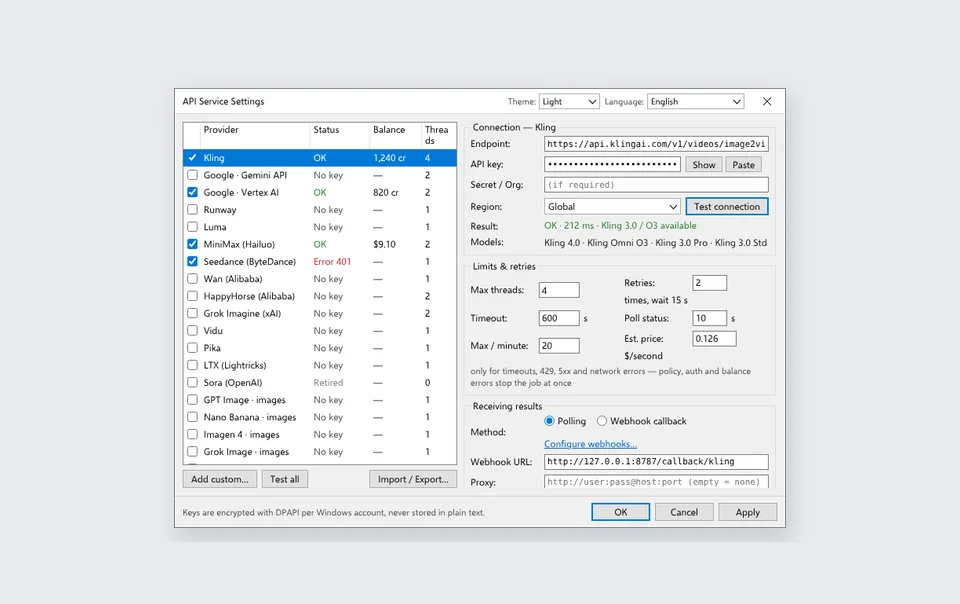
Yes, as long as both models pull from the exact same Character Reference Pack on disk, use the same immutable character prompt prefix, and pass through Scena Studio's 3D LUT Color Matcher and Last-Frame-to-First-Frame continuity bridge.
What is the cheapest model for testing storyboards before rendering the final episode?
You can run LTX-Video locally on your own NVIDIA GPU for $0.00 or use Wan 3.0 / Vidu Q3 Turbo via API at $0.02–$0.035 per second to preview camera blocking and pacing before switching hero rows to Kling 4.0 and Veo 3.1.
Does Scena Studio automatically format the API payload differently for each model?
Yes. You define your Character Reference Pack and Shot Row once. Scena Studio automatically translates that row into Veo 3.1 Ingredients syntax, Kling 4.0 Elements slots, or Seedance 2.5 Omni Reference parameters behind the scenes.
Verified production sources & references
- Google DeepMind Veo 3.1 Camera Control & Ingredients Guide (Lens & motion syntax)
- Kling 4.0 Elements & Hailuo 02 Director Camera Tag Documentation (Spatial slot binding & pan/dolly commands)
- SMPTE ST 2067 / Rec.709 Color Space & Constant Frame Rate Mastering Standards (Cross-model normalization standards used in Scena Studio)
Update history: 4 Nov 2026 — Expanded routing matrix to 9 models including Seedance 2.5, Vidu Q3, and local LTX-Video; added copy-paste camera prompt templates. 30 Oct 2026 — First published.
How this guide was tested: Compiled from over 1,400 production shots rendered across all 9 model endpoints while producing 3D animated and adventure series in Scena Studio.
About the author · Alex Mercer
Founder & Lead Systems Architect · Scena Studio LLCAlex Mercer has spent 8+ years engineering native .NET / Direct3D desktop media pipelines and builds Scena Studio (a Windows 10/11 workstation launching in 0.3s at 45 MB idle RAM) while producing monetized 3D animated series across YouTube Partner Program ($5.40–$8.60 RPM) and Meta Reels. Every benchmark, prompt lock, short-clip stitcher rule, and Trademark/Copyright scan in this guide was verified on a live 46-shot production episode.
Studio & founder engineering dossier → Inspect SHA-256 & Security Trust Center →