A channel is a hundred episodes. Each one is its own project.
Every episode has its own code, folder, script sheet and render tree. The cast lives in reference sets that carry from one episode, and one series, to the next.
In the app: Project → New episode, Reference sets, Script sheet
What it does
An episode is a project
Code, title, aspect ratio and folder tree are set once; every path inside is relative, so the episode can move to another drive.
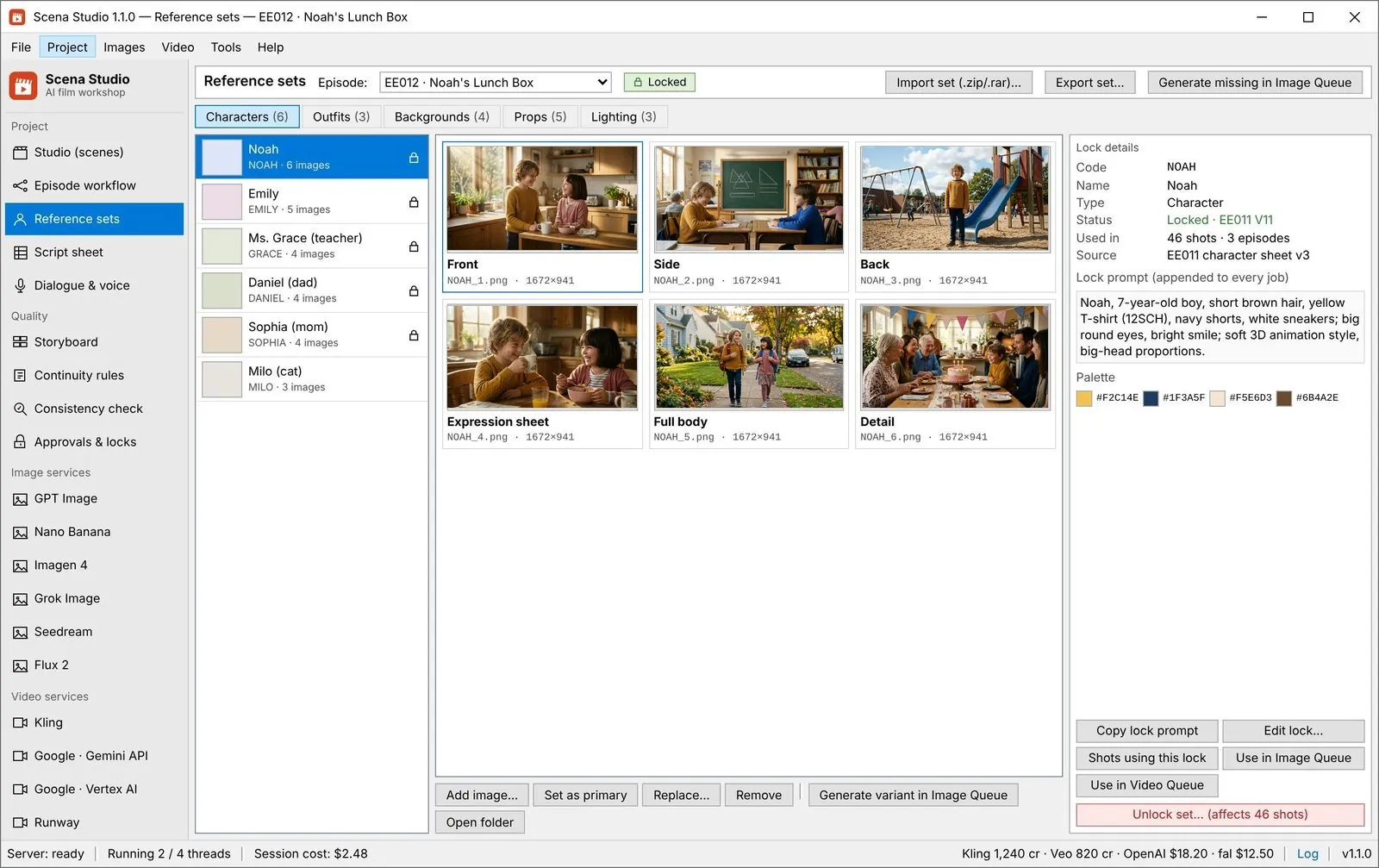
One cast, many episodes
Reference sets are not tied to one episode. NOAH looks the same in EE004 and in EE012.
The sheet is the source
Plan a season in Excel. Re-import after edits and only the changed rows go back into the queue.
-
STEP 01
Create the episode
Give it a code such as EE012, a title, an aspect ratio and a folder.
Project → New episode -
STEP 02
Attach the cast
Pick the reference sets the episode uses; a new episode can start from the last one’s.
Project → Reference sets -
STEP 03
Import the script sheet
Map the columns once: scene, shot, duration, prompt, dialogue.
Project → Script sheet -
STEP 04
Name everything by pattern
{scene}_{shot}_{model}_v{n} names every file, so an editor finds a shot from its code.
Settings → Naming pattern
Settings that matter
- Episode code
- Short and sortable, such as EE012. It prefixes folders and files.
- Naming pattern
- Built from fields such as scene, shot, model and version.
- Reference sets
- Shared across episodes; each change is versioned, and a sweep lists the affected shots.
- Column mapping
- Saved per sheet layout, so next week’s import is one click.
Good to know
- Episodes are plain folders and files; there is no database to back up or migrate.
- The Free plan opens one episode at a time; Creator and Studio have no limit.
- Moving an episode to another drive keeps it working, because every path inside it is relative.
50-Episode Series Bible Inheritance & Monetization Originality Audit Trail
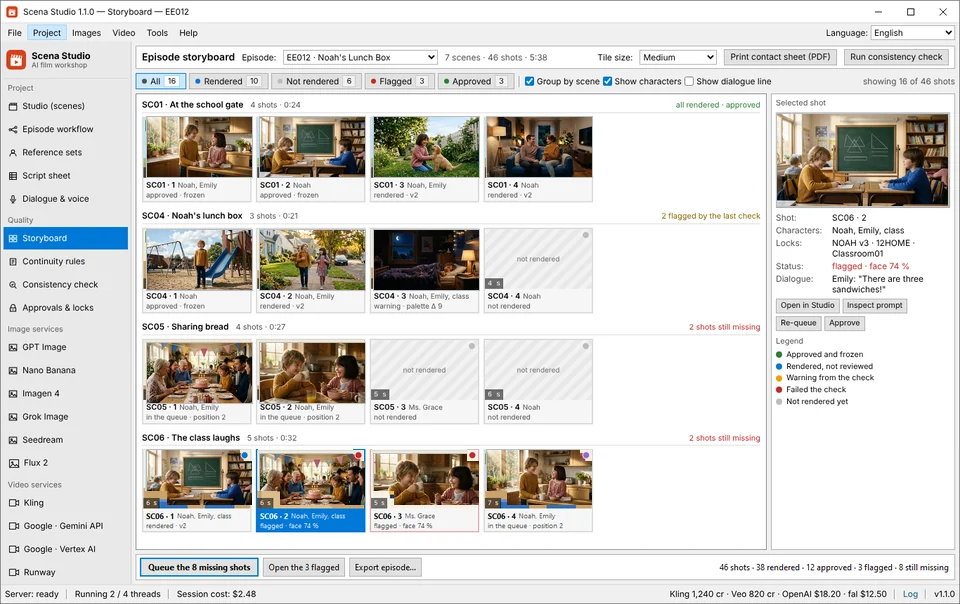
A real channel is not one viral clip — it is Episode 1 through Episode 50 with the exact same cast, locations, voice IDs, and aspect presets. Scena Studio structures every episode as a portable local project folder on your hard drive and automatically exports a Human-Direction Originality Audit Log that proves creative authorship for YouTube Partner Program (YPP) and Meta monetization reviews.


| Production Bottleneck | Standard Web Portal Workflow | How Scena Studio Desktop Solves It |
|---|---|---|
| Cross-Episode Cast Inheritance | Rebuild prompts and re-upload references from scratch every week | One click clones your locked Cast, Outfits, Locations & Voices into Episode N+1 |
| File Ownership & Portability | Projects trapped on a SaaS cloud that vanish if you cancel | Plain files (`ref/`, `output/`, `audio/`, `export/`) on your own Windows drive |
| Short-Clip Scene Assembly | Disorganized downloads folder with `video_1(3).mp4` filenames | Auto-named `S02_SH014_take1.mp4` auto-stitched into scene & episode masters |
| YouTube YPP & Meta Originality Proof | No documentation if a reviewer challenges AI channel originality | Exports timestamped script-to-shot human direction & TM-clean audit report |
Questions
Can several people work on one series?
The Studio plan covers three PCs. Share the episode folder through your own drive; the app does not sync it for you.
Can I reuse a cast on another channel?
Yes. Reference sets are independent of episodes and channels.
Which spreadsheet formats can I import?
Excel (.xlsx) and plain text (.txt).